How To Do Affiliate Marketing On Twitch
Before anything else, let’s clear up a naming collision that trips up almost every new streamer.
 When most people Google “Twitch affiliate,” they land on information about Twitch’s own internal monetization program, the one that unlocks subscriptions and Bits payments. That’s not what this post is about.
This post is about doing real affiliate marketing ON Twitch, meaning you promote third-party products, drop your unique affiliate links, and earn commissions when viewers buy. That’s a completely separate activity, and you don’t need to be enrolled in Twitch’s own program to do it.
That said, understanding Twitch’s tier system is useful because it affects which tools you have available. So we’ll cover that quickly, then get into exactly how to place affiliate links, which product categories actually convert in a live environment, and why this works across niches far outside gaming.
Twitch’s own tiers: what they unlock (and why it matters for affiliates)
Twitch has two main creator tiers: Affiliate and Partner. As of early 2025, Twitch began relaxing the requirements for its own Affiliate status, with CEO Dan Clancy announcing that subscriptions and Bits would be opened to most streamers from day one. The old thresholds (50 followers, 8 hours streamed across 7 days, average of 3 concurrent viewers within 30 days) are no longer the strict gatekeepers they used to be, though the underlying criteria still serve as useful growth targets.
Twitch’s Partner tier sits above Affiliate. Partners earn 70% of subscription revenue instead of the standard 50% split, get priority customer support, and unlock additional customization options. You reach Partner by demonstrating sustained viewership and consistent streaming habits, typically 75 average concurrent viewers across at least 25 hours of streaming in the preceding 30 days, though Twitch evaluates these holistically.
Here’s why this matters for affiliate marketers: Twitch’s own Affiliate/Partner status affects your panel setup, your channel’s credibility with potential brand partners, and how viewers perceive your legitimacy. A streamer with Partner status next to their name signals an established audience. But panels, chat commands, and bio links, which are your main affiliate link delivery mechanisms, are available to everyone on Twitch regardless of tier. You can start placing affiliate links on day one.
No Twitch tier required: you can place affiliate links and earn commissions from your very first stream. If you’re building your affiliate marketing foundation at the same time as your Twitch channel, the free Affiliate Marketing QuickStart Guide covers how to get accepted into programs, choose the right products, and earn your first commissions without a large following.
The four places to put affiliate links on Twitch
Twitch gives you several surfaces to work with. Most streamers use all of them simultaneously.
1. Panels
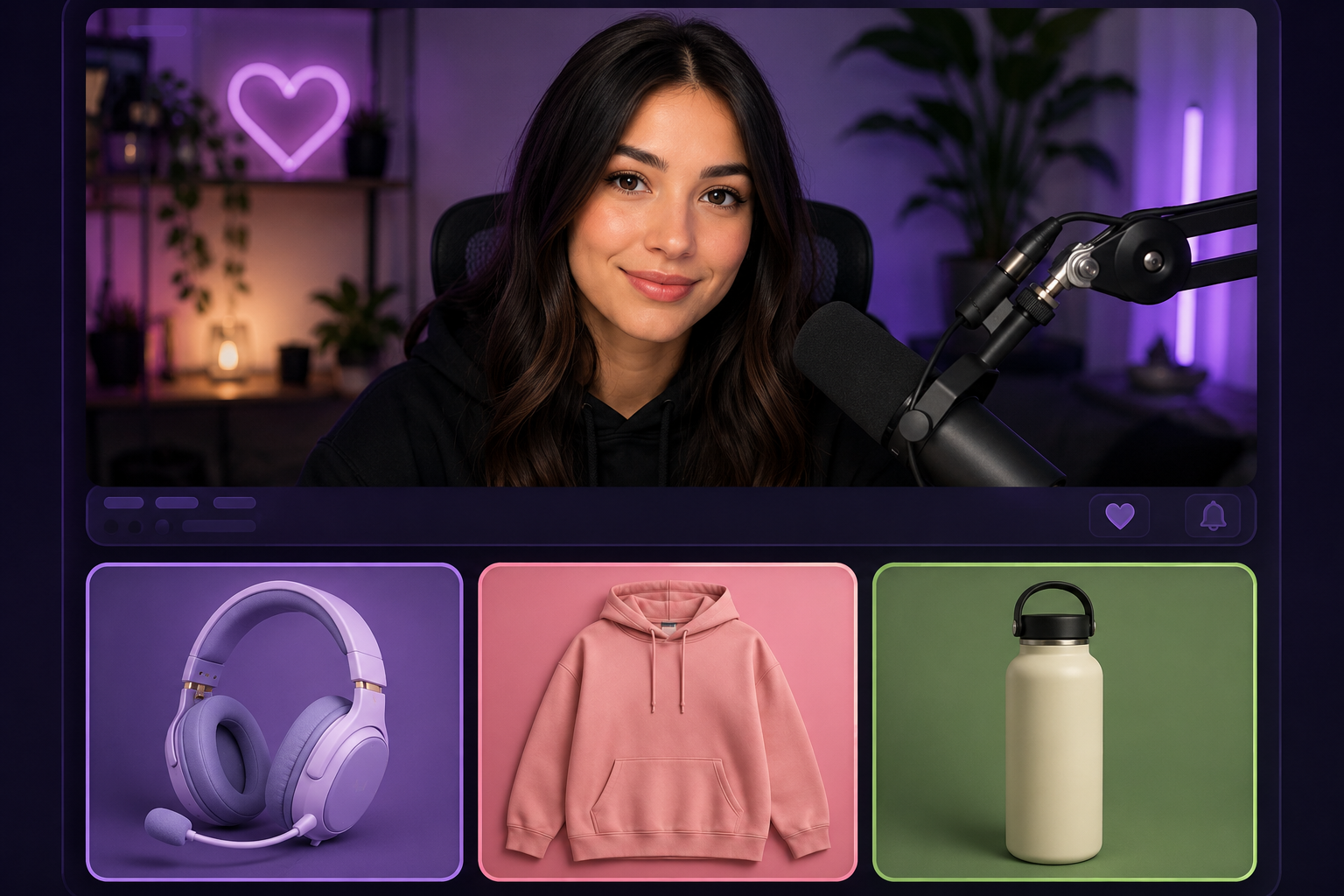
Panels are the clickable image sections that appear beneath your live stream video. They’re the most visible real estate on your Twitch channel page, and viewers who scroll down after discovering your channel will see them before anything else.
Each panel can link to an external URL, which means they’re a natural home for affiliate links. A typical setup might include a “My gear” panel that links to an Amazon Associates list or individual product pages, a “Software I use” panel, and a panel for any specific program you’re actively promoting.
Panel images are 320px wide and can be any height, though most streamers keep them short, around 100 to 160px tall. You can create them in Canva. The best-performing panels tend to have a clear visual (the product or logo), a short call to action like “Get it here,” and a clean aesthetic that matches your channel’s look. Keep the text minimal. The click is the goal.
One important note: Twitch panels link to a URL of your choice. That URL can be your affiliate link directly, or it can be a page on your own site or a link shortener. If you’re using Amazon Associates, their terms require you to have a website associated with your account. Many streamers satisfy this by maintaining a basic YouTube channel or a simple website alongside their Twitch presence.
2. Chat commands
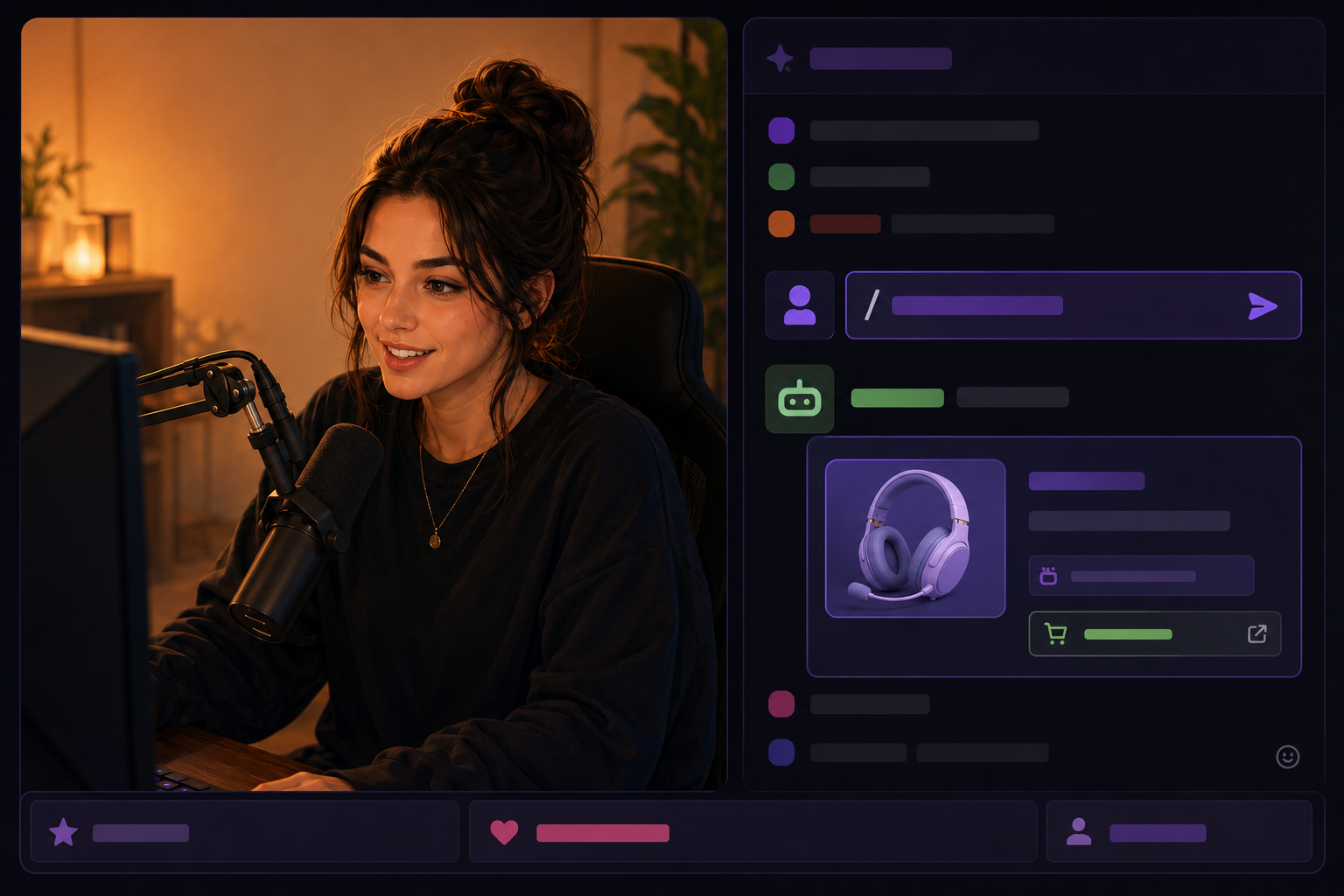
This is where Twitch affiliate marketing gets genuinely powerful. During a live stream, viewers ask questions constantly. “What mic are you using?” “Where’d you get that desk?” “What program is that?” Instead of answering every question manually (which breaks your content flow), you set up chat commands that auto-respond with your affiliate link.
The two most common tools for this are Nightbot and StreamElements, both free. Once you connect either to your Twitch account and give it moderator permissions, you can create custom commands. When a viewer types !mic, the bot responds with something like: “I’m using the Shure SM7B. Grab it here: .” You can also set these commands to fire on a timer, so every 30 minutes the bot reminds the chat where to find your gear list.
This approach works because it’s responsive rather than interruptive. The recommendation comes up in context, right when someone asks, which is the highest-intent moment for a click. A viewer who just watched you use something and then asks where to get it is much closer to buying than someone who sees a banner ad.
Set up commands for anything you mention regularly: your camera, your keyboard, your editing software, the books you reference, the supplements you take during marathon streams, whatever fits your content. Keep the bot response short. Include the link, one sentence of context, that’s it.
3. The about section and stream description
Your channel’s About section is editable text where you can list links. This isn’t as visible as panels, but it gives you more flexibility for longer explanations and multiple links. Some streamers use this to host a “my setup” rundown with annotated affiliate links for each item.
The stream description, which shows beneath the video player during an active broadcast, is another opportunity. You can update this before each stream with links relevant to what you’re playing or doing that day. If you’re doing a cooking stream and you just used a specific piece of equipment, update the description with a link to it. It takes 30 seconds and puts the link directly under the video for anyone watching.
4. Verbal mentions during the stream
Don’t underestimate the spoken word. A live audience is listening. If you mention a product naturally during the stream and then say “link’s in the panel below” or “type !gear in chat,” you’re bridging the content directly to the conversion point. The key word is “naturally.” Viewers on Twitch are unusually good at detecting inauthenticity. A forced read-the-ad-copy-style mention will get ignored. A genuine “I bought this three months ago and I use it every stream” will get clicks.
Timing matters here too. Don’t pile five affiliate mentions into the first ten minutes. One or two well-placed mentions during a two-hour stream, prompted by something that’s actually happening on screen, is more effective than a scripted sponsorship block.
Twitch is one of four places affiliate marketers can place links, but it works best when paired with a searchable platform that drives discovery. For the strategy that turns your live stream clips into permanent traffic, read How to do affiliate marketing on YouTube.
Which product categories convert for live audiences
Not every affiliate category performs equally on Twitch. Live streaming has a specific dynamic: viewers are watching you use things in real time. That context shapes what converts.
Streaming and PC gear
This is the obvious one and it converts well for good reason. Viewers who watch gaming or variety streams are often either streamers themselves or considering starting. When they see your setup working, they want it. Microphones, webcams, capture cards, controllers, keyboards, headsets, monitors, and stream deck hardware all have strong conversion rates on Twitch. Amazon Associates is the default starting point for most streamers since it covers most of the category. Commission rates are low (typically 1 to 4% for electronics), but the average order values are high enough to make it worthwhile.
Programs like Elgato, Corsair, and Logitech all run their own affiliate programs through networks, and they typically pay higher commissions than Amazon on their own products. If you’re already recommending a specific brand’s gear, it’s worth checking whether they have a direct program.
Software and subscriptions
This is where the commission math gets interesting. Software subscriptions typically pay 20 to 40% recurring commissions, which compound over time. Editing software, streaming tools, VPN services, and project management apps are all fair game here depending on your content. The best affiliate marketers treat their platform presence as a long-term asset, and recurring commissions are a core part of building income that doesn’t require re-earning every month.
NordVPN is a well-known example: they have an established affiliate program, provide marketing materials proactively, and fit naturally into streams because privacy tools are relevant to anyone who spends time online. Nerd or Die, which makes stream overlays and graphics, pays up to 30% commission and is directly relevant to a Twitch audience. StreamElements has its own merchandise platform with affiliate options.
Books and digital products
If your stream has an educational or self-development angle, book recommendations convert reasonably well. Amazon Associates covers this. If you’re a fitness streamer recommending a workout program, a personal finance streamer recommending a course, or a cooking streamer recommending a cookbook, the live recommendation carries real weight because viewers have been watching you apply the knowledge.
This is the same principle behind what makes a well-built resources page effective on a blog or YouTube channel: you’re pointing people toward things that have actually made a difference for you, rather than just a category of things that might.
Gaming products and game keys
If you’re a gaming streamer, game key marketplaces like Fanatical and Green Man Gaming have affiliate programs. Commission rates are typically 5 to 10% on game purchases. Humble Bundle has a referral program. These work because someone who just watched you play a game for two hours and enjoyed it is a reasonably likely buyer.
Non-gaming categories: what actually works
Here’s what the gaming-centric Twitch guides miss: the platform’s fastest-growing content categories as of 2025 are IRL, music, fitness, and “Just Chatting,” with music category watch time growing 23% in the past year according to StreamElements data. These audiences have purchasing behaviors that align even better with affiliate marketing than gaming audiences in some cases.
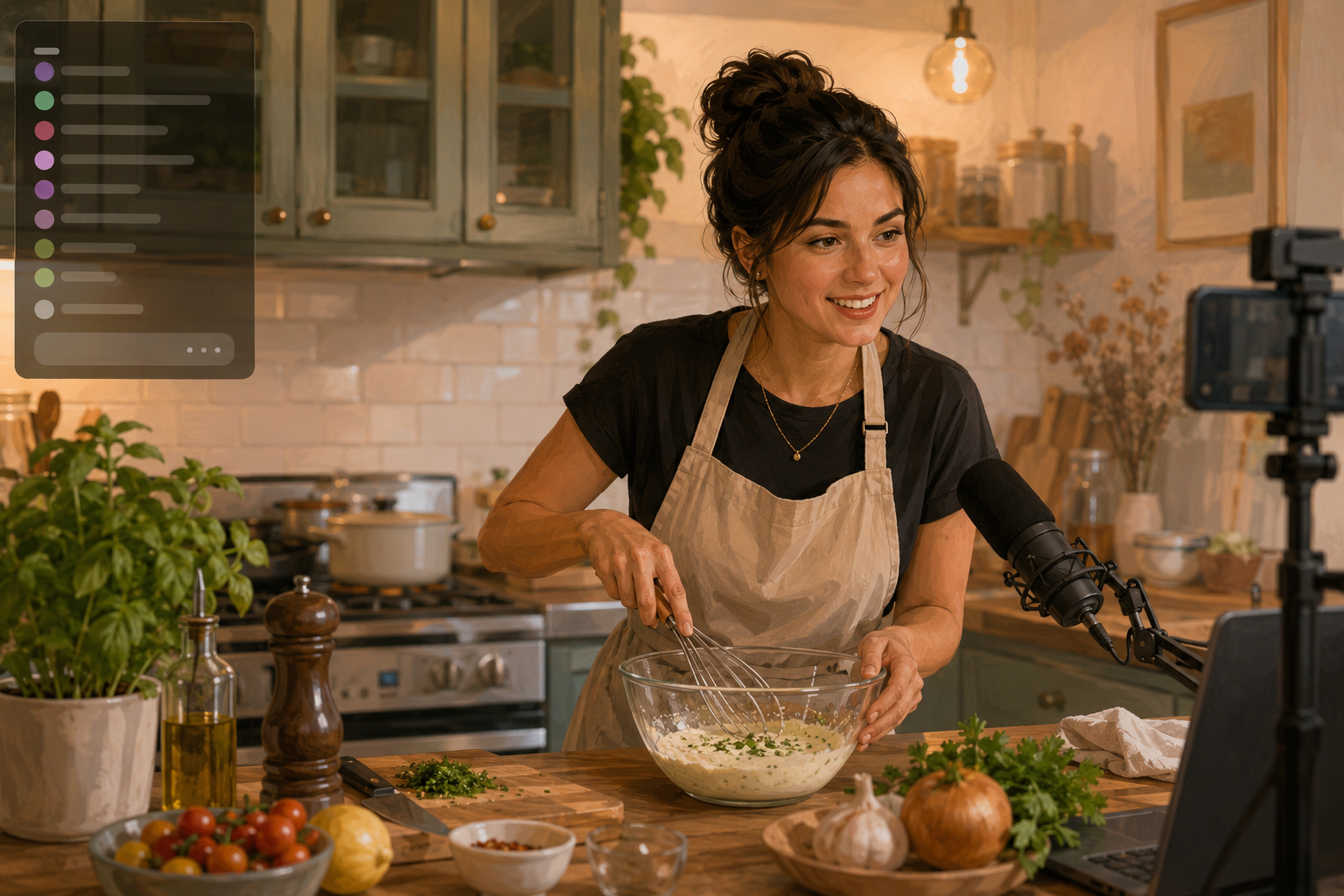
A fitness streamer can link to supplements, resistance bands, workout programs, and protein powder. A cooking streamer can link to specific knives, pots, ingredients, and cookbooks. An art streamer can link to the exact supplies they’re using on screen. A musician can link to instruments, audio interfaces, cables, and production software. The live-demonstration-to-affiliate-link pipeline works in any niche where you’re visibly using products.
The advantage non-gaming streamers have is that the Twitch affiliate field in those categories is less crowded. There are fewer competing streamers pitching the same products to the same audiences. Finding a niche where you have genuine expertise and building an audience there is often more profitable than trying to compete in the saturated gaming space with a new channel.
Non-gaming categories on Twitch open up product niches with commission rates that make gaming gear look like rounding errors. If you’re not yet sure how affiliate income works across platforms and content types, the free two-hour on-demand Affiliate Marketing Masterclass covers how to earn commissions from day one, whatever you stream about.
FTC disclosure on Twitch: what you’re required to do
The FTC’s disclosure requirements apply to affiliate links regardless of platform. Twitch is not an exception. If you earn a commission when someone clicks your link and buys, you need to disclose that relationship.
On Twitch, disclosure happens in a few places. In your panels, include a line noting that links may be affiliate links. In your stream description, same thing. Verbally during the stream when you mention a product you’re being paid to recommend. The standard is “clear and conspicuous,” meaning the viewer should see or hear the disclosure before they decide to click or buy, not buried somewhere they’d have to search for it.
The FTC published updated guidelines in 2023 that specifically address social media and live streaming environments. The key rule: you can’t bury a disclosure in a list of hashtags or put it somewhere viewers won’t reasonably see it. On Twitch specifically, verbal disclosure during the relevant mention and a visible note in your panel or description satisfies the requirement for most affiliate link placements.
A missed disclosure on Twitch doesn’t just risk FTC attention. It damages the viewer trust that makes affiliate recommendations worth anything. For a full breakdown of what the rules actually require, how to disclose on each platform without hurting your conversion rate, and what counts as “clear and conspicuous,” read How to disclose affiliate links.
Building an audience before the links matter
You can set up every panel, chat command, and timer perfectly and still earn nothing if your concurrent viewer count is near zero. The links are the mechanism, but the audience is the prerequisite.
Twitch’s discovery algorithm heavily favors established channels. A new channel streaming in a popular category like Fortnite or Grand Theft Auto will appear at the bottom of a list of thousands. The practical solution most successful small streamers use is to start in a less-saturated category where you can appear on the first page of the browse tab, then grow before expanding into bigger categories.
Consistency matters more on Twitch than almost anywhere else. Viewers form habits around specific streamers. If you stream at the same times each week, regulars will start showing up reliably. An audience of 50 consistent viewers who know you and trust your recommendations will drive more affiliate revenue than 500 random one-time visitors.
Cross-promotion helps significantly. Clipping highlights to YouTube is the most common and effective method. YouTube clips are discoverable via search, which Twitch live content is not. A two-minute clip of something funny or useful from your stream can bring in viewers who then follow you on Twitch. Posting clips to TikTok and Instagram Reels is increasingly common for the same reason.
Discord is another useful tool. Many streamers maintain a Discord server for their community where they can post their streaming schedule, share links, and build relationships outside of active stream time. That off-stream relationship building is what turns casual viewers into regulars who actually click on your panels.
Getting started: what to actually do first
Here’s the practical sequence if you’re starting from scratch or trying to add affiliate revenue to an existing channel.
First, identify three to five products you genuinely use and recommend. These don’t have to be gaming products. They just need to be things you can discuss honestly and that are relevant to what you stream about. Check whether each product has an affiliate program: start with Amazon Associates for physical products, then look for direct brand programs for software and digital products.
Second, create panels for each product. Keep the design clean. Use consistent branding. Each panel should have one clear CTA and one link.
Third, set up Nightbot or StreamElements and create commands for your most commonly asked-about products. Test them yourself before going live so you know they work.
Fourth, update your channel About section and stream description with a brief disclosure statement and a link to your resources or setup page if you have one.
Fifth, stream consistently. Everything else depends on this. The affiliate infrastructure is irrelevant without an audience.
As you grow, you’ll get a better read on what your specific audience clicks on versus what they ignore. That data should drive which programs you prioritize. Some affiliates find that one software recommendation earns five times what all their gear links combined. Others find that a single physical product with passionate fans in their niche converts at rates that dwarf everything else. You won’t know until you have real traffic to analyze. Building out a proper review approach for products you promote is also worth doing as your channel grows, both for Twitch panels and for any companion blog or YouTube content you create.
The affiliate marketing fundamentals don’t change on Twitch: recommend things you actually use, be honest about the commission relationship, and give people a reason to trust your recommendation before you ask them to click. Twitch just gives you a live, interactive context to do that, which, when used well, is one of the most effective affiliate environments there is.
New to affiliate marketing and not sure where to start before your first stream? The Affiliate Marketing QuickStart Guide covers the foundational decisions you need to make before picking a platform.
Learn How My Resources Page Makes Me $10,000+ Each Month… and How You Can Create One Easily! Grab The Free Guide Here